Every patent needs at least one inventor, and most have several. Rather than writing names into the patent itself, DemandFlow keeps a list of inventor records and lets you link them to a patent through a contribution record. The contribution captures not just who was involved, but their order, the percentage of the invention they contributed, a description of what they did, and their declaration status.
Doing this properly matters: it supports inventor declarations to the patent office, it informs any reward or recognition scheme you run internally, and it gives you a reliable view of who has invented what across the whole portfolio.
Before you start
Every inventor you want to add must already exist as an inventor record. If they do not, add them first. See Setting up reference data.
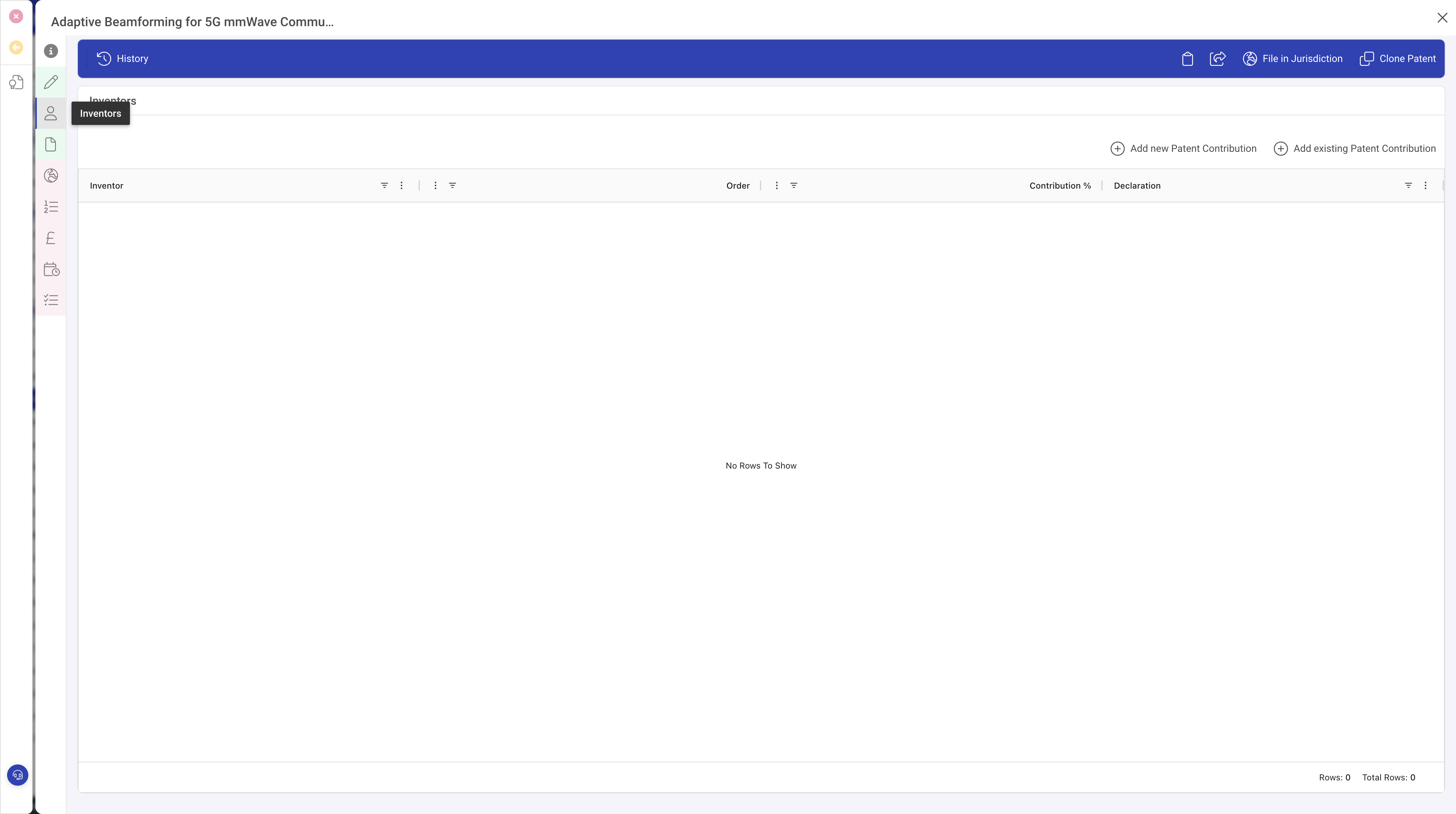
Open the patent and go to Inventors
- Open the patent from Patents > Patents.
- Click the Inventors panel on the left.
Add a contribution
Click Add new Patent Contribution in the Inventors toolbar. A popout opens on the right with the contribution form.
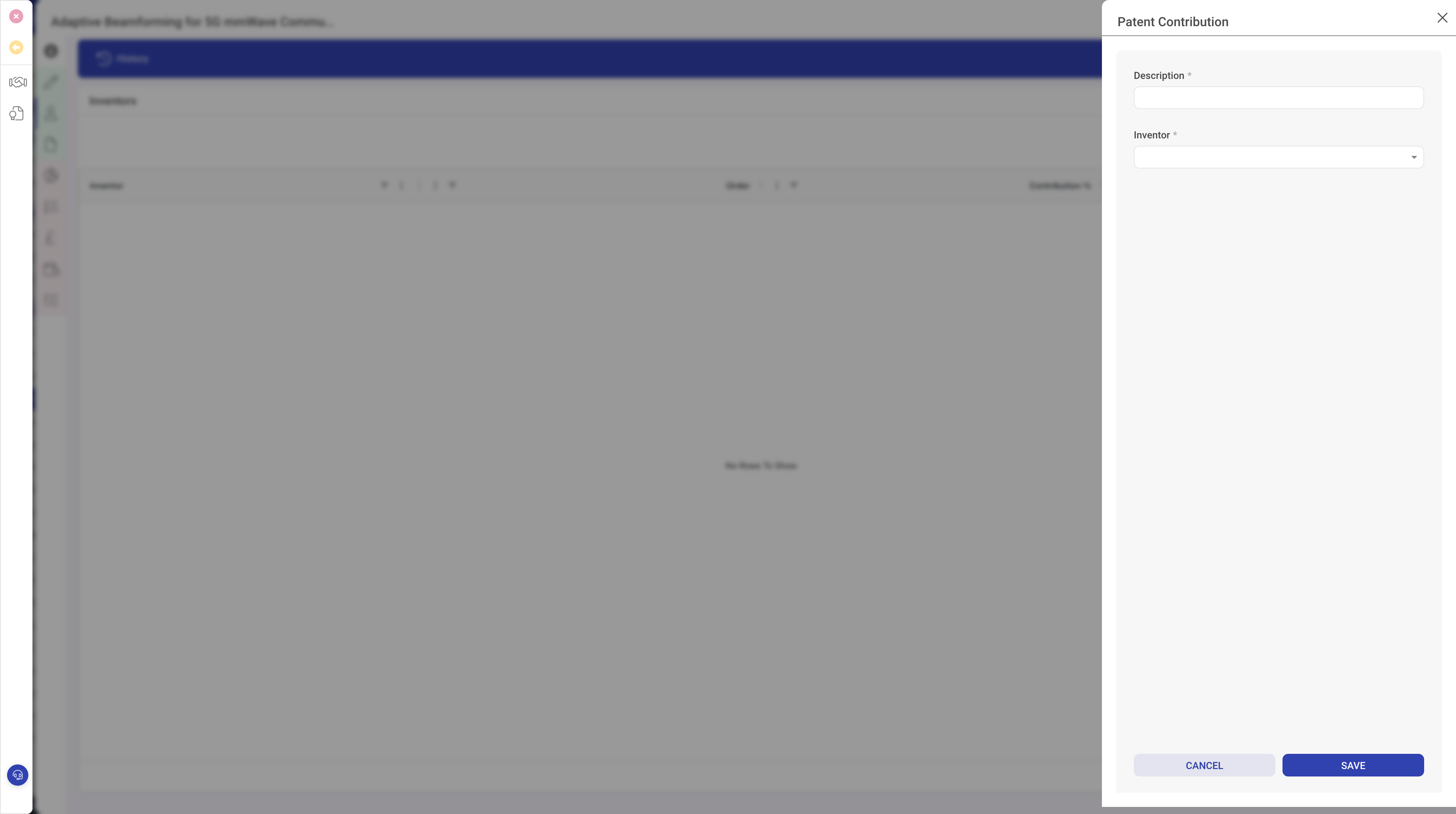
In the popout:
- Pick the Inventor from the list.
- Set the Order. The main inventor is usually 1, the second-named inventor is 2, and so on. Order matters on the face of the patent and in many inventor reward schemes.
- Set the Contribution %. Percentages across all contributors to one patent should total 100.
- Add a short Contribution description explaining what this inventor contributed: the original idea, the technical implementation, the optimisation step, and so on. This becomes useful evidence if inventorship is ever challenged.
- Set the Declaration status to reflect where you are with the formal declaration: not yet requested, requested, signed, or filed.
- Click Save.
Repeat for each co-inventor until the percentages sum to 100.
Checking the list
After saving, the Inventors panel shows every contribution in order, with the inventor name, order, percentage and declaration status. Use this view as a quick check before filing or before issuing rewards.
Cross-referencing from the inventor
The same contribution also appears on the inventor record. Open any inventor from Patents > Inventors and you will see a Patent Contributions list showing every patent they have been linked to, along with their order and percentage on each. This is useful for inventor awards, for spotting prolific contributors, and for keeping an up-to-date picture of who has done what across the portfolio.
What to do next
With inventors in place, you can progress the patent through filing and examination and, in parallel, record the claims. See Recording patent claims and Adding a jurisdiction application.