Before you start creating patents, set up the small amount of reference data that patents pick from. Doing this once up front means every patent, jurisdiction application and contribution record can simply choose from a list rather than retyping the same information each time.
You will find all three lists in the sidebar under the Patents section.
Jurisdictions
Jurisdictions are the patent offices you file in: the UKIPO, the USPTO, the EPO, WIPO and so on. Every jurisdiction application you create later on will be tagged to one of these records.
Go to Patents > Jurisdictions.
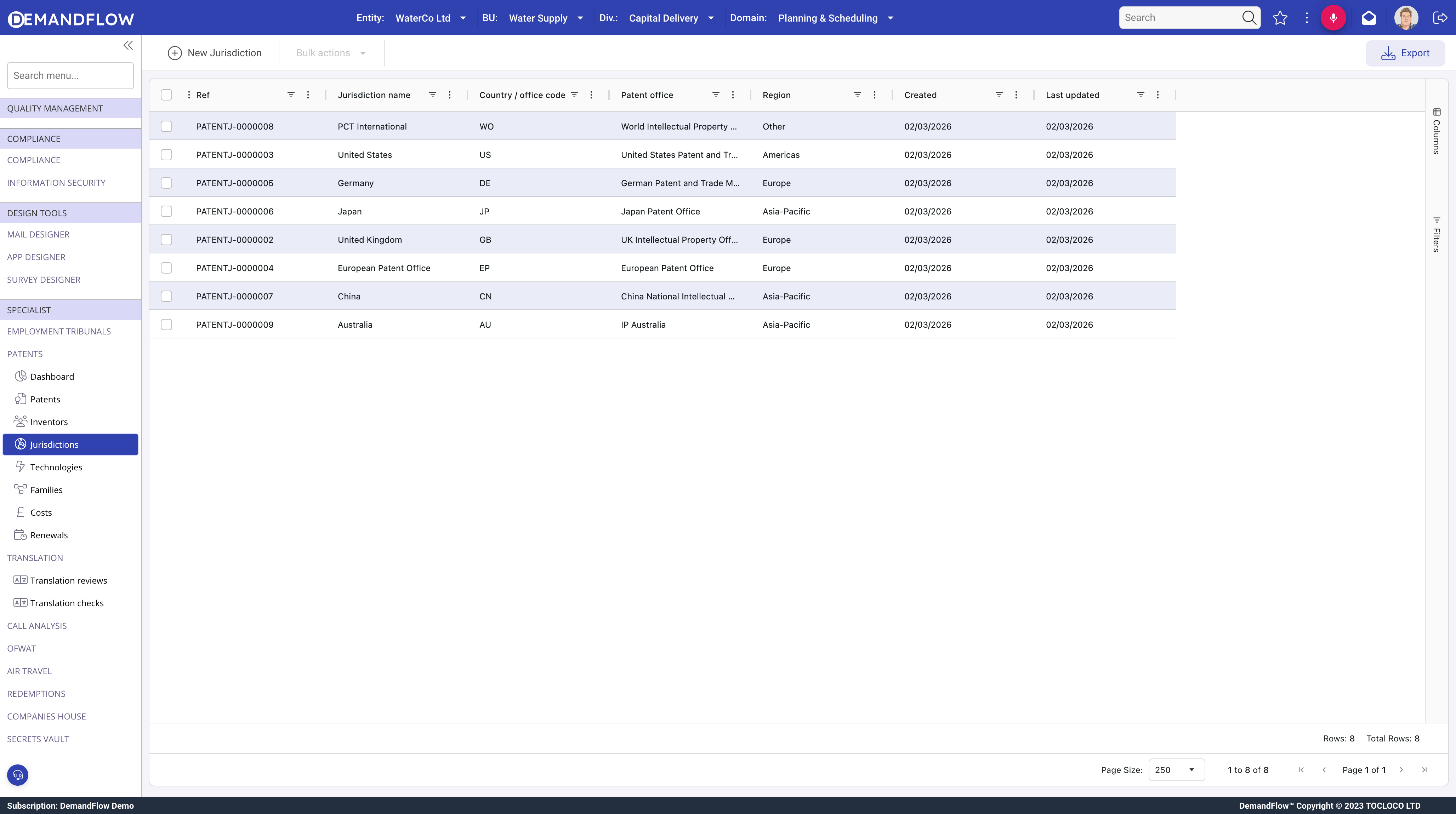
- Click New Jurisdiction in the toolbar.
- Enter the jurisdiction name as you want it to appear in forms, for example United Kingdom, United States, European Patent Office or PCT International.
- Save.
Repeat for each office you expect to file in. You only need to add a jurisdiction once; it will then be available for every patent.
Technologies
Technology categories let you classify patents for portfolio analysis: Wireless Communications, Cloud Computing, Cybersecurity, IoT and so on. Use whichever categories make sense for the reports you want to run.
Go to Patents > Technologies.
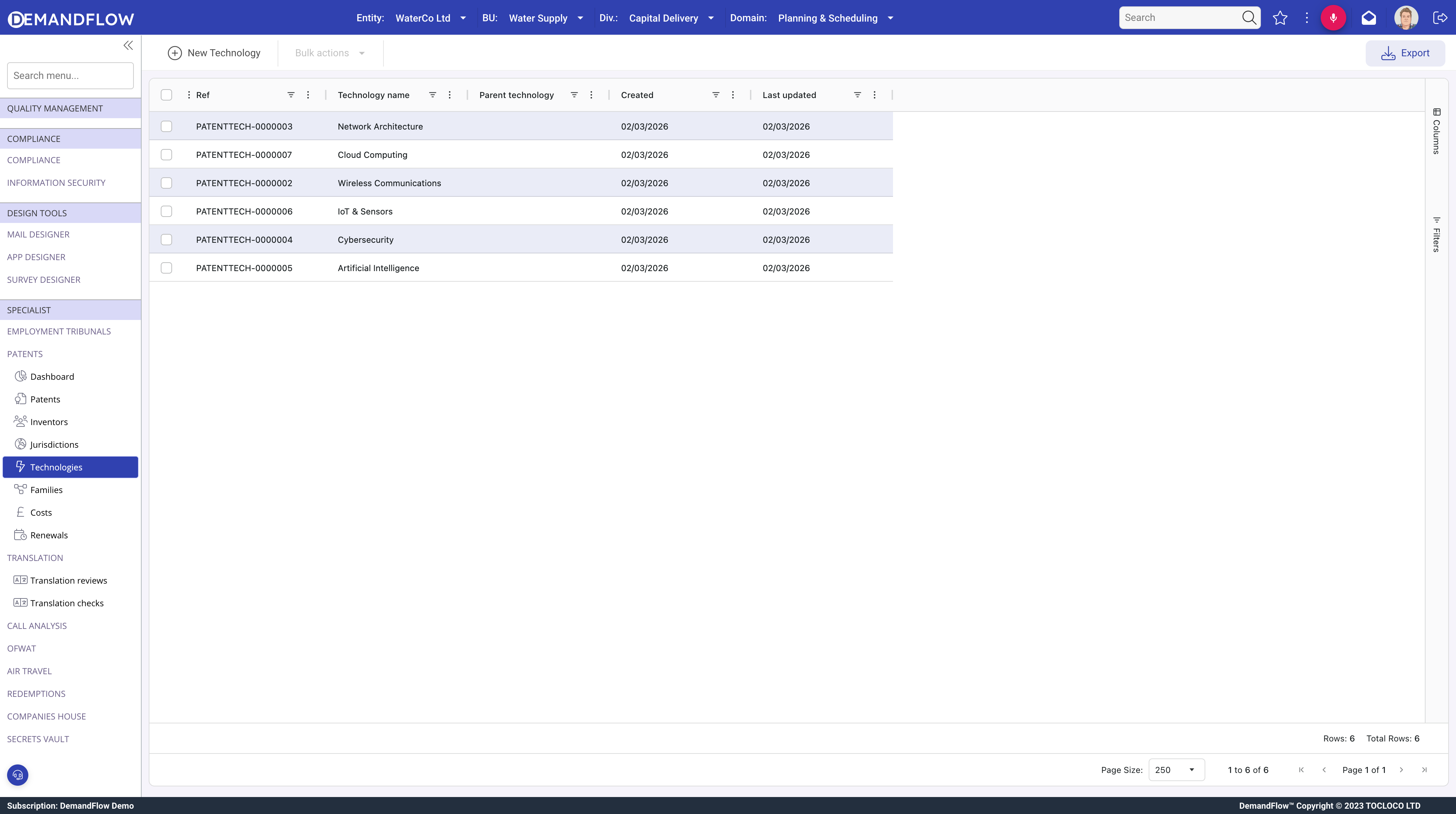
- Click New Technology.
- Enter the technology name.
- Save.
Keep the list reasonably short so patents stay easy to group. You can always add more categories later as new technology areas emerge.
Inventors
An inventor record represents a person who has contributed to one or more patents. Inventors are kept separate from patents so you can see at a glance who has invented what across the whole portfolio, and so that updating a contact detail only needs to be done in one place.
Go to Patents > Inventors.
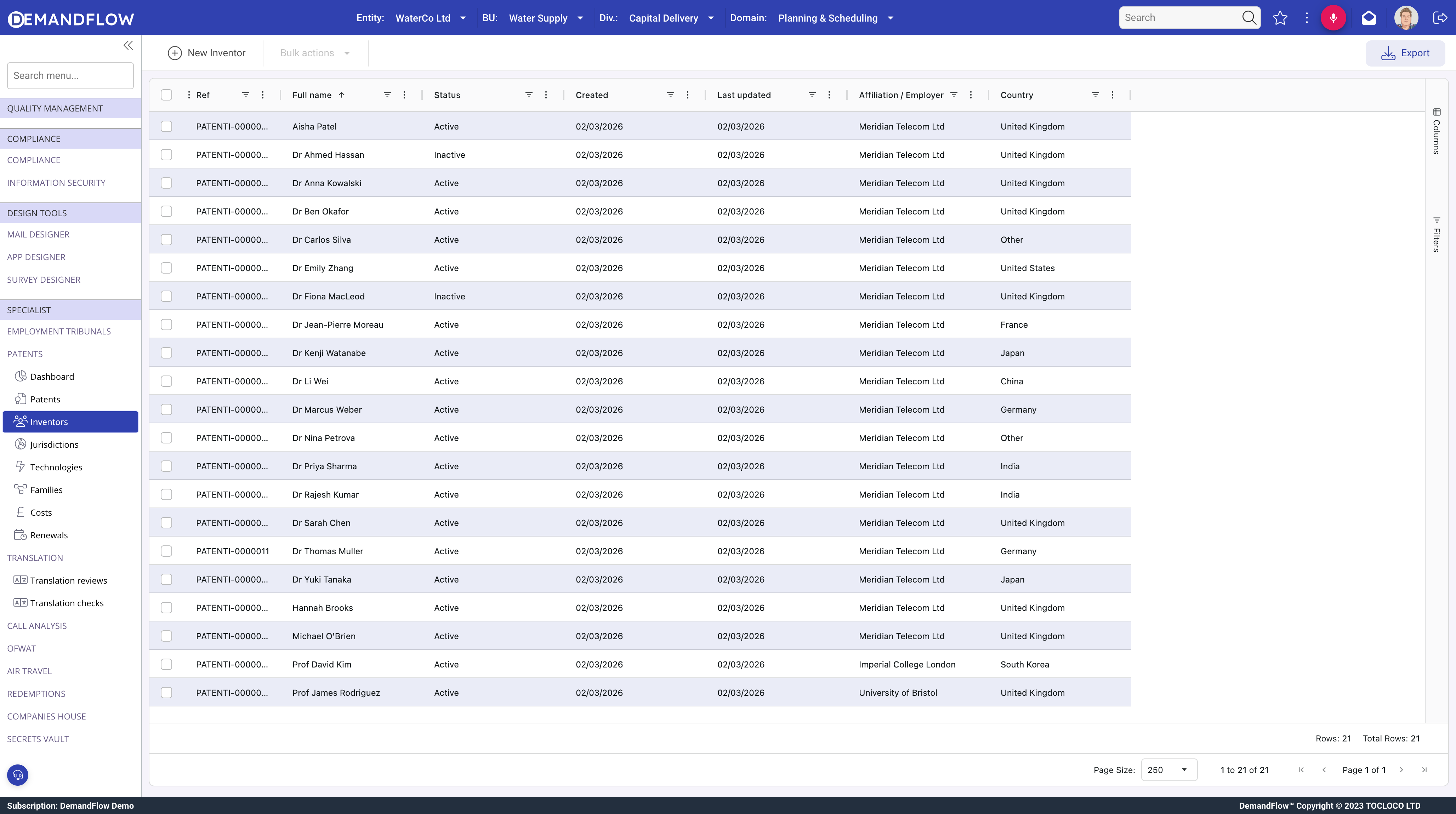
- Click New Inventor.
- Enter the inventor's full name. This is the only required field.
- If the inventor is an employee, pick them from the Staff record lookup so the inventor is linked to their staff profile.
- Fill in any of the other details you have: affiliation or employer, email address, country.
- Set the Status to Active. You can mark inventors as Inactive later if they leave the organisation, without losing the history of their contributions.
- Save.
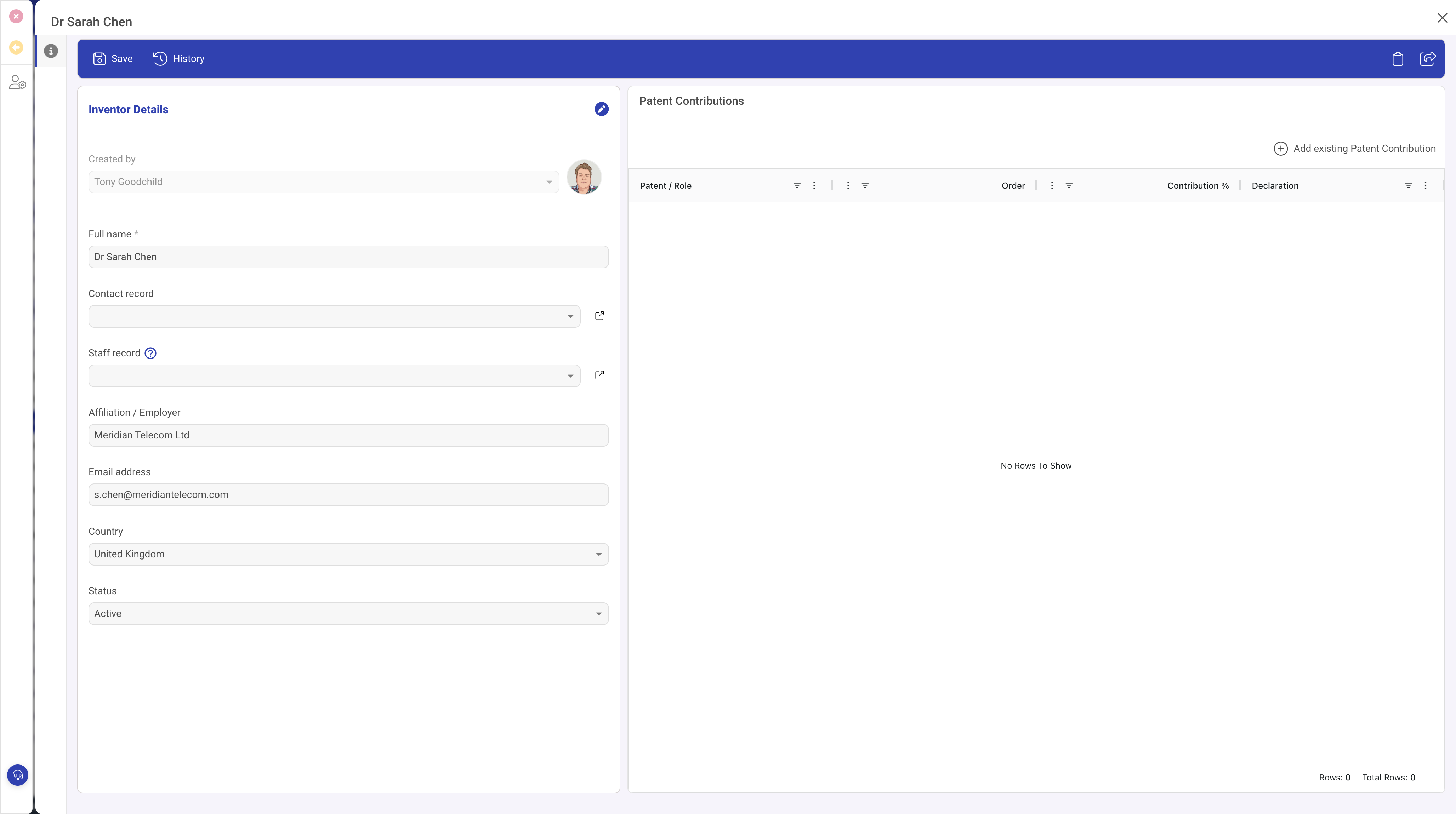
Each inventor record also shows a Patent Contributions list, populated automatically as you record their contributions against patents in later guides.
What to do next
Once you have the jurisdictions, technologies and inventors you need, you are ready to create patents. The next guide walks through Creating a patent record.