Once a patent is granted, keeping it in force means paying annuities (also called maintenance fees or renewal fees) to each patent office on schedule. Miss a deadline and even the grace period, and the patent lapses.
DemandFlow lets you schedule renewals per jurisdiction application so you always know what is coming up, what has been paid, and whether anything is at risk.
Open the patent and go to Renewals
- Open the patent from Patents > Patents.
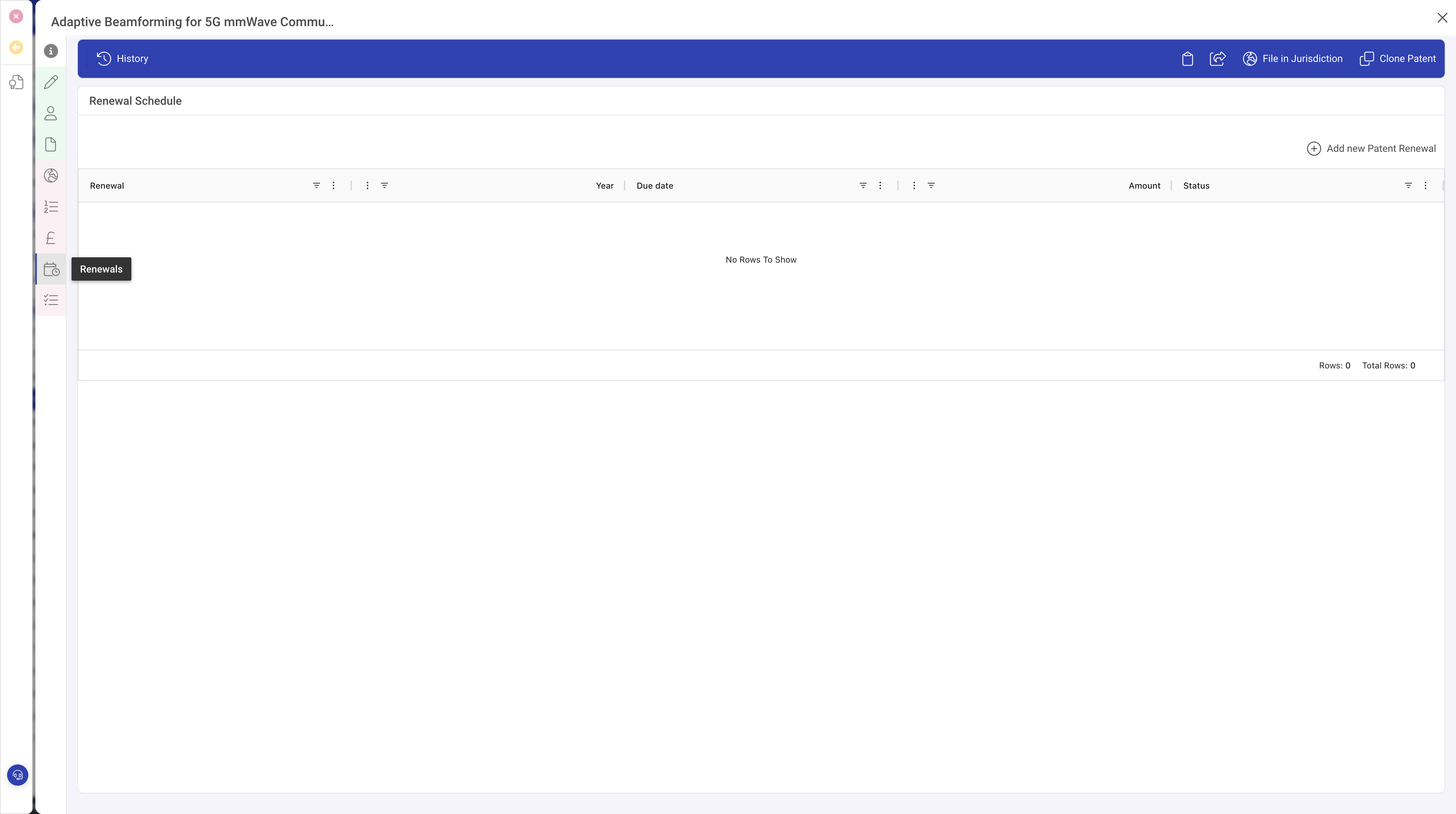
- Click the Renewals panel on the left.
Add a renewal
Click Add new Patent Renewal in the Renewals toolbar. A popout opens on the right with the renewal form.
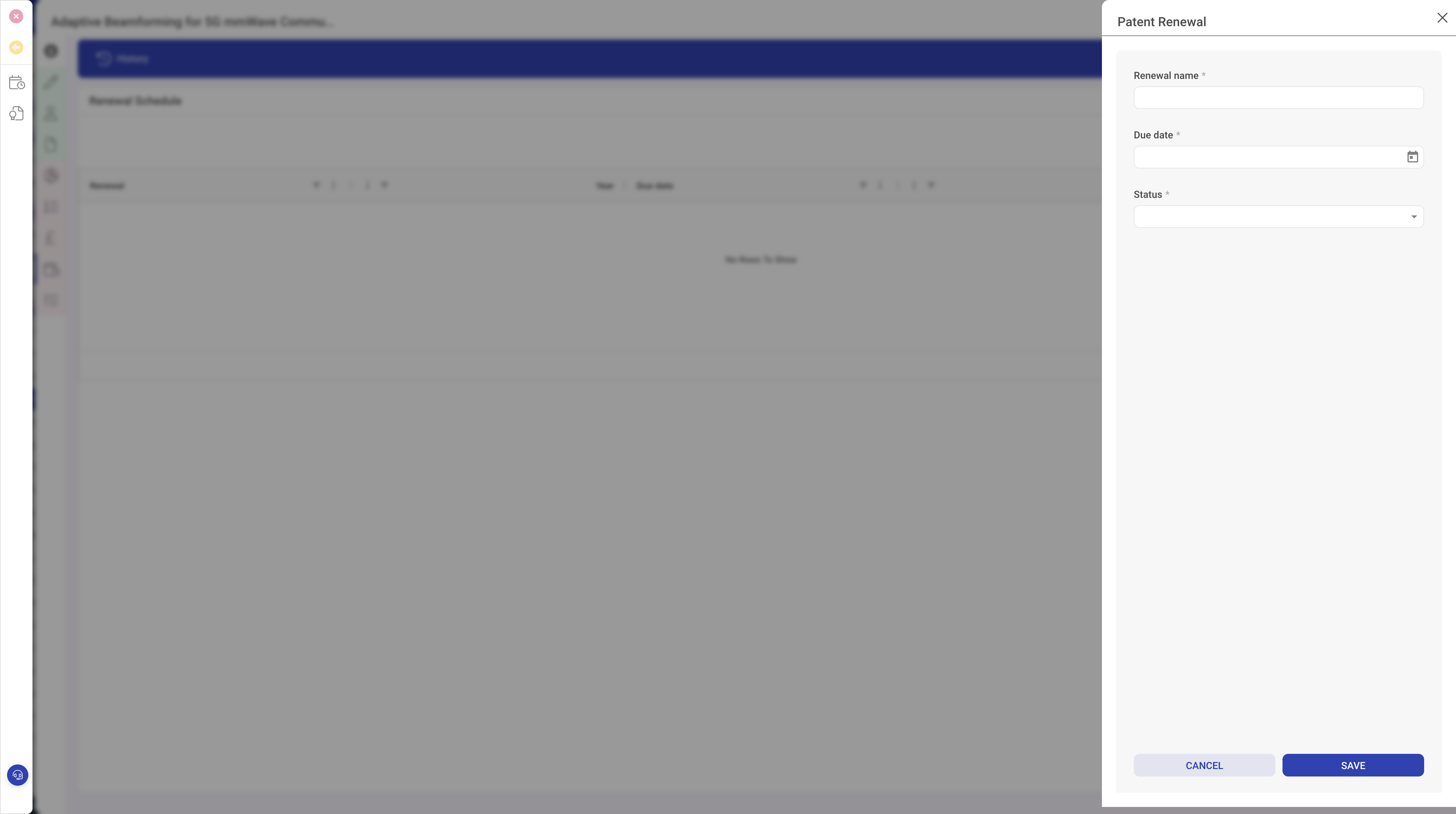
In the popout:
- Give the renewal a clear Renewal name, for example UK year 5 annuity or US 3.5-year maintenance fee.
- Enter the Due date.
- Set the Status: Scheduled, Paid or Lapsed.
- Click Save.
Open the renewal again to fill in the extra detail:
- Jurisdiction application: pick which filing this renewal is for. Renewals are always against a specific filing because the schedule varies from country to country.
- Renewal year: which year of the filing this covers (for example 3, 4, 5).
- Grace period end: the last date the office will still accept payment, usually with a surcharge. The UKIPO allows six months; the USPTO allows six months with a surcharge; others vary.
- Amount and Currency: the official fee for that renewal. Add any agent handling charge as a separate cost record if you want to keep the two separate.
- Paid date: fill this in once payment clears.
- Receipt reference: the office receipt number for audit purposes.
Planning ahead
Every granted jurisdiction application will have a predictable schedule of renewals. A typical approach is to populate the next five years of renewals for each application at grant, with Status set to Scheduled and amounts estimated from the office's current fee schedule. That way the entire portfolio's forward cost is visible straight away, and nothing creeps up unannounced.
Marking a renewal paid
- Open the renewal.
- Set the Status to Paid.
- Enter the Paid date and Receipt reference.
- Save.
Consider creating a matching cost record in the Costs panel so the patent's total cost stays accurate.
Letting a renewal lapse deliberately
Not every patent is worth maintaining forever. When you decide to let one lapse, set the renewal's status to Lapsed with a note explaining the decision. Mark the jurisdiction application's Active flag off. The patent stays in the system as history, but nobody will chase it for the next annuity.
What to do next
If you have not already, consider grouping related patents into a family so you can view renewal decisions across the group together. See Grouping patents into families.