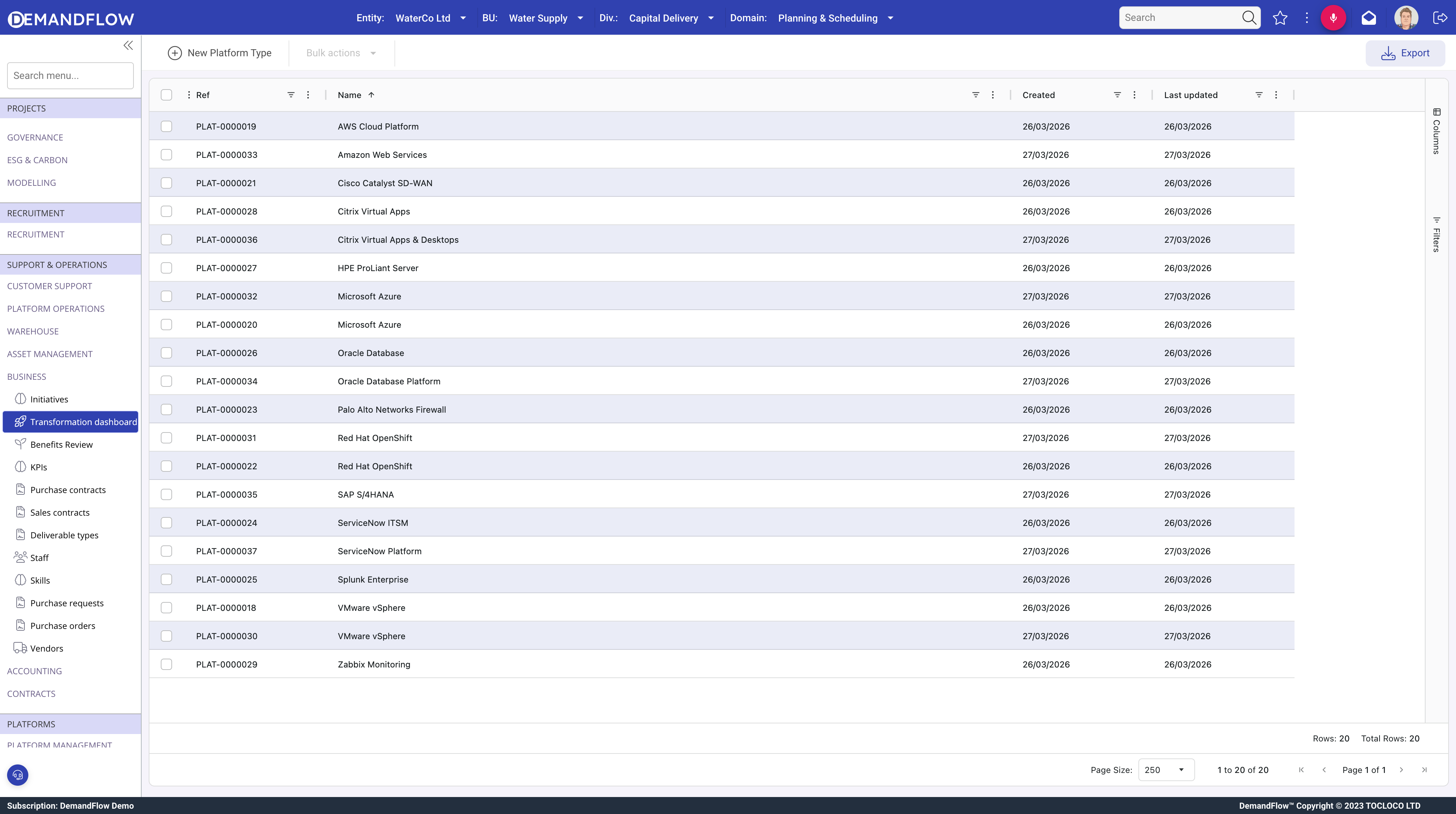
Platform types are catalogue entries that define a class of technology. Each record represents a type of platform (e.g. "SAP S/4HANA", "Cisco ISR Router", "AWS EKS", "VMware vSphere") rather than a specific deployment.
Why platform types are lightweight
A platform type record contains only a name and description. Operational details such as vendor, deployment model, ownership, and criticality belong on the deployed platform records, because these vary per environment. The platform type is the normalisation point: it prevents you from duplicating the product name and description across every deployment.
Creating a platform type
- Navigate to Platform Management > IT Platforms > Platform types.
- Click New.
- Enter a Name that clearly identifies the technology (e.g. "SAP S/4HANA", "Palo Alto NGFW", "ServiceNow ITSM").
- Add a Description explaining what the platform does and its role in your environment.
- Save.
The Deployed panel
The right side of the platform type record shows a related list of all deployed platform instances linked to this type. This gives you an immediate view of where this technology is running: how many environments exist, their statuses, deployment models, vendors, and owners.
Click any row in the deployed list to open the deployed platform record directly.
Tips
- Create one platform type per technology, not per environment. "SAP S/4HANA" is one type; Production, QA, and Dev are three deployed instances of that type.
- Use clear, consistent naming. Include the vendor and product name so platform types are easy to find when linking deployed instances.
- Keep descriptions factual: what the platform does, what it replaces (if anything), and any key dependencies or constraints.
What to do next
Create deployed platform records for each live environment. See Managing deployed platforms.