Overview
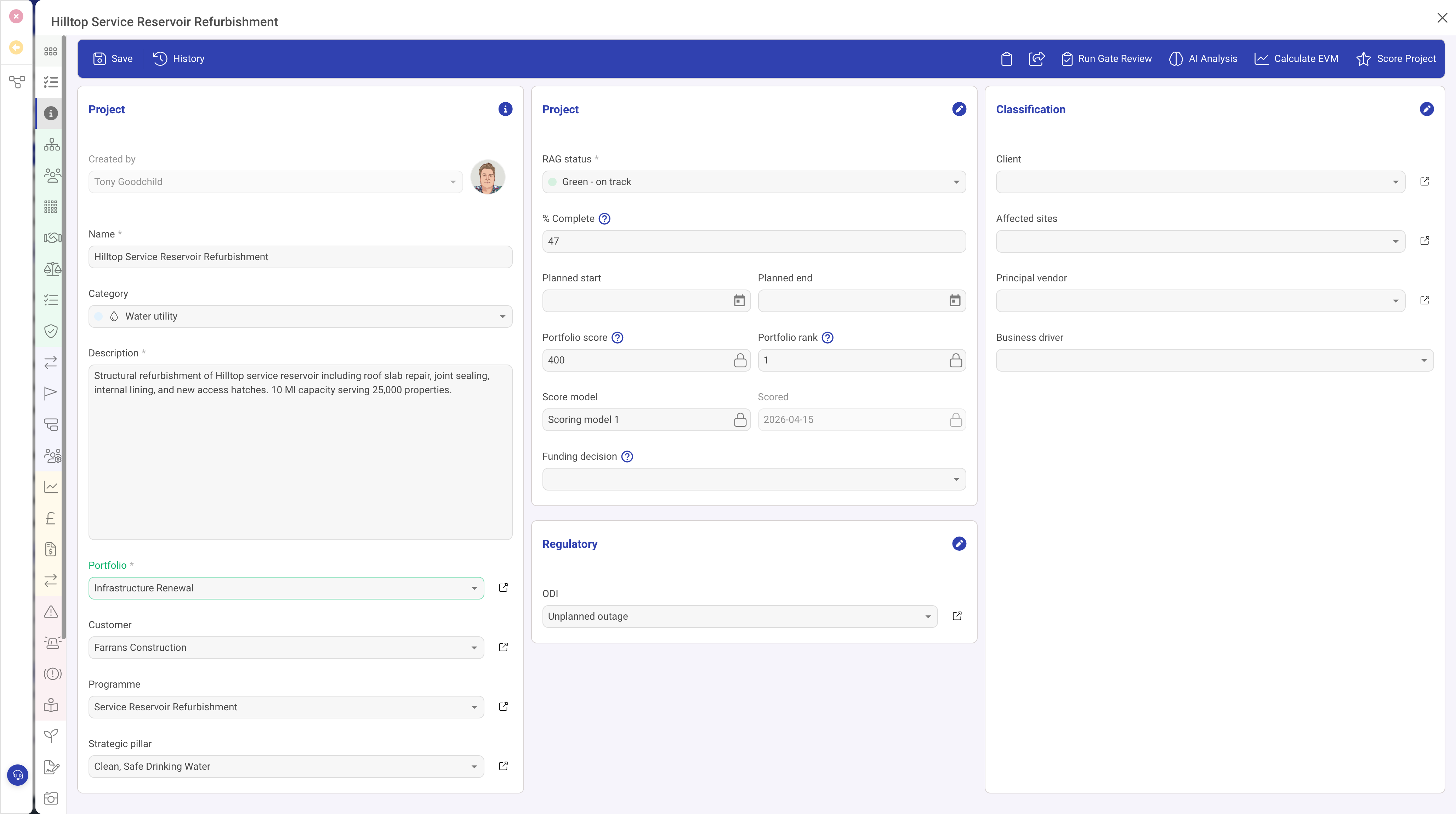
The Text Input field type (input) is the most basic and commonly used field type in DemandFlow. It provides a single-line text entry field suitable for capturing short text values such as names, titles, email addresses, reference numbers, and other brief text data.
Properties
| Property | Required | Description |
|---|---|---|
| ID | Yes | The field identifier that maps to the property name on the record. |
| Type | Yes | Must be set to input |
| Name | Yes | The display label shown to the user. |
| Width | No | The percentage width within the form section (1 to 100). Defaults to 100% if not specified. |
| Required | No | When true, the record cannot be saved without providing a value. |
| Read Only | No | When true, the field displays its value but cannot be edited. |
| Placeholder | No | Hint text displayed inside the field when it is empty. |
| Help | No | Tooltip text shown when hovering over the field label. |
| Grid | No | When true, this field appears as a column in list/grid views. |
| Default | No | A default value assigned when creating a new record. |
| Input Type | No | Specifies the underlying input behaviour. Use email for email addresses or tel for telephone numbers to get appropriate keyboard layouts on mobile devices. |
| Visibility | No | A condition controlling when this field is visible. |
Use Cases
- Record name — the primary name or title of a record (nearly every entity has this)
- Reference numbers — tracking codes, ticket numbers, or external identifiers
- Email addresses — using the
emailinput type for validation hints - Phone numbers — using the
telinput type - Short descriptions — one-line summaries or labels
Best Practices
- Use Text Input for short, single-line values. For longer text, use the Text Area or Rich Text Editor field types instead.
- Set the Required property on essential fields like "Name" to ensure data completeness.
- Use Placeholder text to provide format hints (e.g. "e.g. PRJ-001" for a reference number field).
- Enable Grid on fields that are useful for identifying records in list views.