Overview
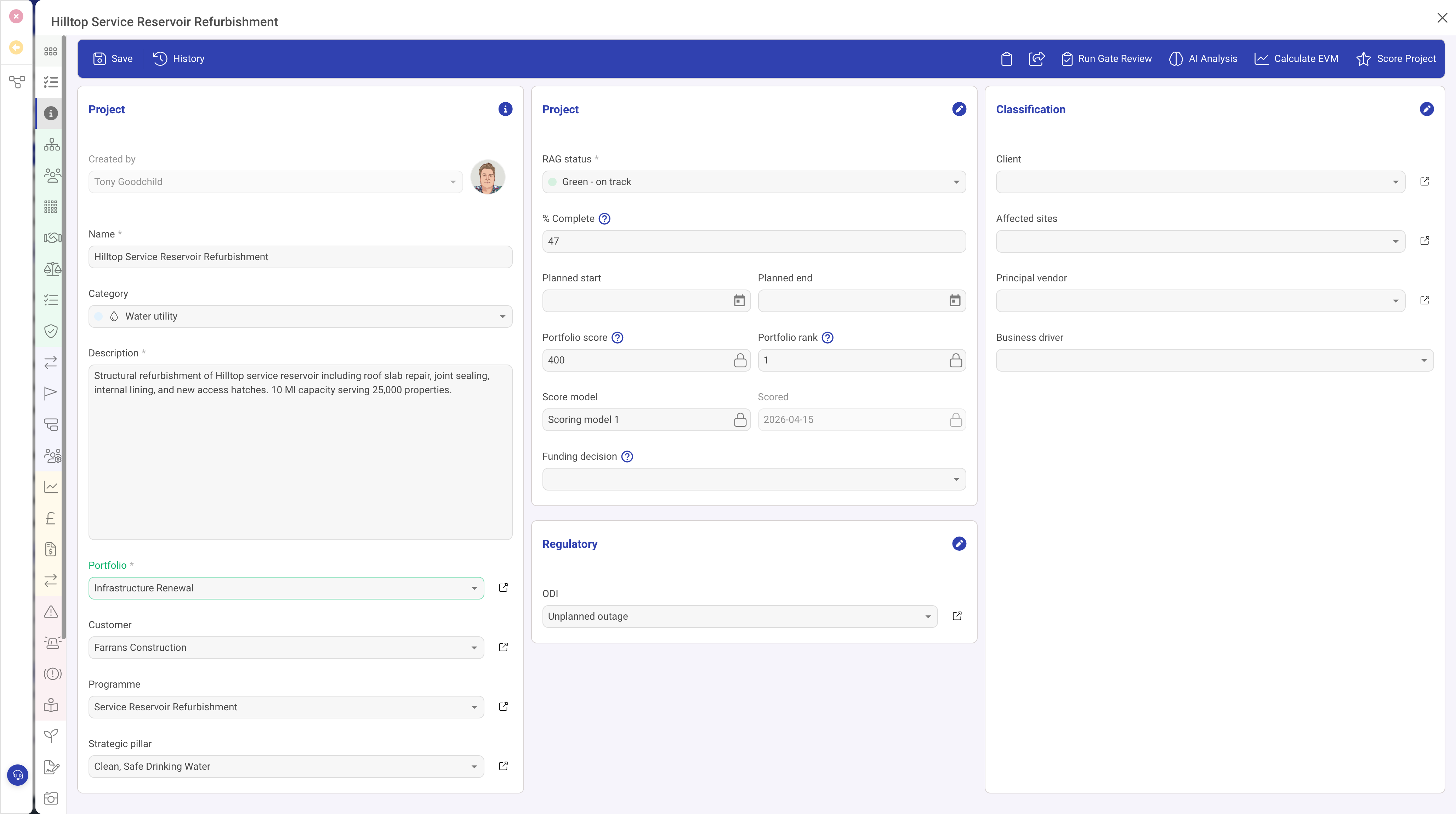
The Text Area field type (textarea) provides a multi-line text entry area for capturing longer text content. Unlike the single-line Text Input, Text Areas can accommodate paragraphs of text, making them ideal for descriptions, summaries, requirements, and other detailed text fields.
Properties
| Property | Required | Description |
|---|---|---|
| ID | Yes | The field identifier. |
| Type | Yes | Must be set to textarea |
| Name | Yes | The display label shown to the user. |
| Width | No | The percentage width within the form section. |
| Height | No | The height of the text area in pixels. Use this to control how many lines of text are visible at once. |
| Required | No | When true, the record cannot be saved without providing a value. |
| Read Only | No | When true, the field is display-only. |
| Placeholder | No | Hint text displayed when the field is empty. |
| Help | No | Tooltip text for the field label. |
| Grid | No | When true, appears as a column in list views (text will be truncated in the grid). |
| Visibility | No | A condition controlling when this field is visible. |
Text Area vs. Text Input vs. Rich Text Editor
| Feature | Text Input | Text Area | Rich Text Editor |
|---|---|---|---|
| Lines | Single line | Multiple lines | Multiple lines with formatting |
| Formatting | None | Plain text only | Bold, italic, lists, headings, links, etc. |
| Best for | Names, codes, short values | Descriptions, summaries, plain notes | Detailed content, procedures, rich documentation |
Use Cases
- Descriptions — project descriptions, risk descriptions, requirement details
- Summaries — executive summaries, meeting notes, status updates
- Addresses — multi-line postal addresses
- Instructions — plain text procedures or guidelines
- Embed codes — pasting external embed codes or configuration snippets
Best Practices
- Set the width to 100% for text areas, as they benefit from the full available width
- Adjust the Height property to match expected content length — a short summary might need 80 pixels, while a detailed description might need 200 pixels
- For content that needs formatting (bold, lists, links), use the Rich Text Editor instead