A platform type is a catalogue entry defining a class of network technology. Examples include IMS/VoLTE, 5G SA Core, EPC/4G Core, RAN, MPLS Core, SDN Controller, and Network OSS Stack. Each type can have many deployed instances across different environments.
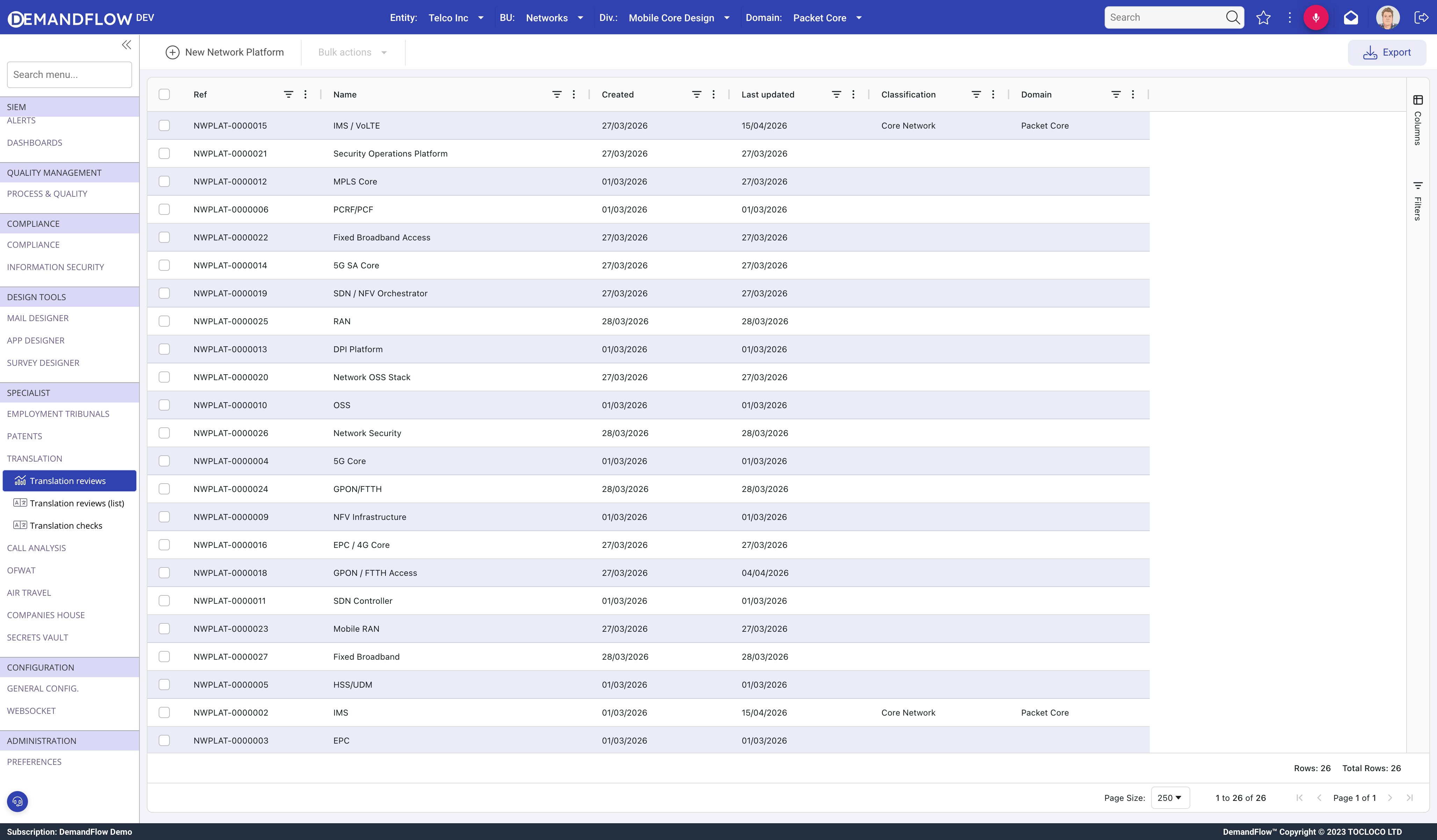
Creating a platform type
- Navigate to Telecom platforms > Platform types.
- Click New Network Platform.
- Enter a Name (e.g. "5G SA Core", "IMS / VoLTE").
- Set the Classification: Core Network, Transport, Access, OSS/BSS, Cloud/NFVI, Security, or Voice/UC.
- Optionally link a Domain (department) that owns this platform type.
- Add a Description.
- Save.
Related panels
The platform type record has four panels:
- General: the type identity on the left (25% width) and a related list of all deployed instances on the right (75% width). This gives an immediate view of where this technology is running.
- Composition: a related list of components (software and hardware building blocks) that make up this platform type.
- Projects: projects linked to this platform type via multi-link relationships.
- OPEX Rollup: aggregated operational costs across all deployed instances.
Tips
- Create one type per technology, not per deployment. "5G SA Core" is one type; Production, DR, and Lab are three instances of that type.
- Use the Classification field consistently so the dashboard can group platforms by domain.
- The deployed instances list on the right side of the General panel is the fastest way to see where a technology is running and in what state.