The Warranty and Support panel ensures you know when coverage expires, what service level you are entitled to, and which vendor to contact.
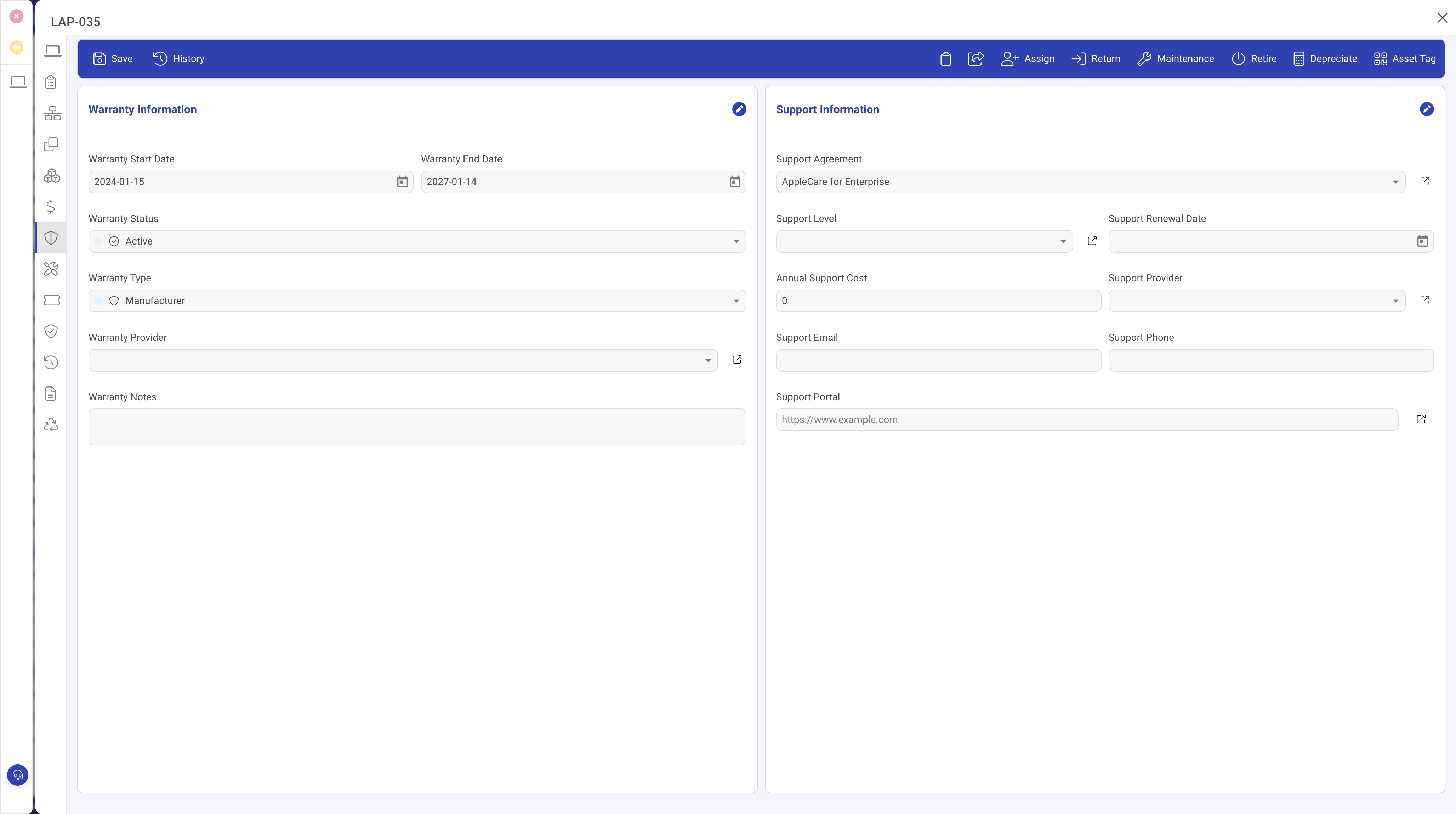
Warranty fields
- Warranty Start Date and Warranty End Date: the coverage window.
- Warranty Status: Active, Expired, Extended, or Void.
- Warranty Type: Standard, Extended, On-site, Next Business Day, or 4-hour response.
- Warranty Provider: the vendor responsible for service (may differ from the seller or manufacturer).
Support Agreement
- Support Agreement: links to the formal support contract record. A single agreement can cover multiple assets.
- Support Level: the SLA tier defining response times, resolution targets, and escalation paths.
Dashboard integration
The IT assets dashboard includes a Warranty Alerts grid listing assets with expired or soon-to-expire warranties, sorted by urgency. A separate Support Renewal Alerts grid surfaces agreements approaching renewal.
Automation rules
- Warranty expiring soon: notifies the asset owner 30 days before the warranty end date.
- Support agreement renewal due: notifies ahead of the contract renewal date.
Tips
- Record warranty dates at time of acquisition.
- Link assets to a support agreement whenever a formal vendor contract exists.
- Review the warranty alerts grid weekly.