The software product catalogue (ITAM > Software) defines what each software product is. It is the reference record, separate from where it is installed (Software Installation) or how it is licensed (Licence). Every licence and installation links back to a catalogue entry.
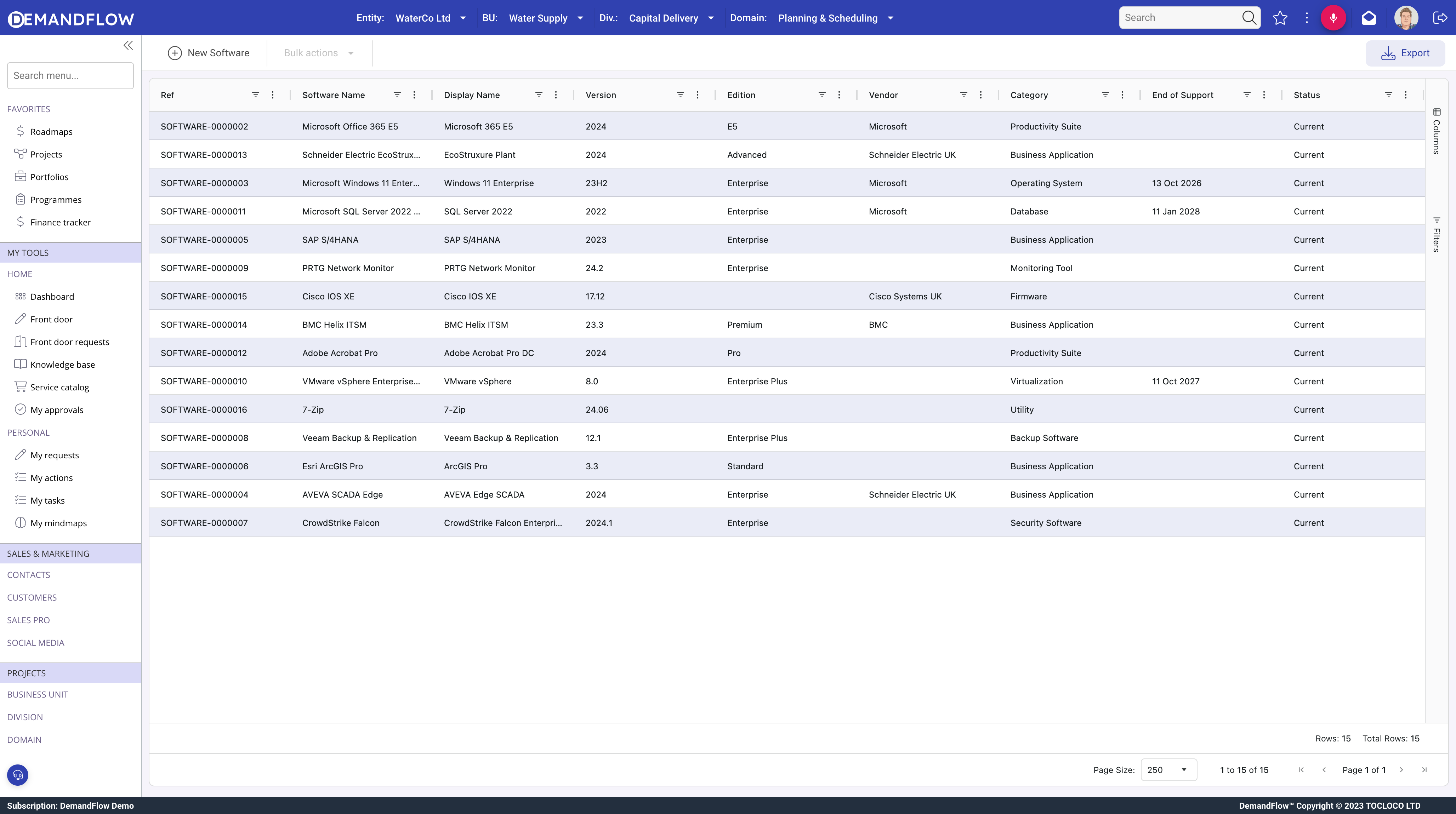
General panel
- Name and Display Name.
- Version and Edition (e.g. Professional, Enterprise).
- Vendor (required): a lookup to the vendor register.
- MS SKU ID: Microsoft SKU identifier for licence sync matching.
Classification
- Category: Operating System, Productivity, Database, Security, Development, Communication, Collaboration, Utilities, Middleware, ERP, CRM, BI, Custom, or Firmware.
- Deployment Type: On-Premise, SaaS, Hybrid, Container, or Virtual Appliance.
- Supported Platforms and CPU Architectures.
Lifecycle
- Release Date, End of Sale, End of Support, End of Life: vendor support timeline.
- Is Approved: flag for sanctioned software vs shadow IT.
- Is Critical: flag for business-critical software needing priority attention during transitions.
Requirements panel
Minimum and recommended hardware specs, dependencies (other software required), and incompatibilities.
Licensing panel
Defines the licensing model at catalogue level:
- Licence Type: Perpetual, Subscription, Open Source, Freeware, Trial, or OEM.
- Licence Metric: Per User, Per Device, Per Core, Per CPU, Per Server, Concurrent, Site, Enterprise, or Consumption.
Actual entitlements with quantities and costs are tracked in separate licence records.
Related lists
- Licenses: all licence entitlement records for this product.
- Installations: all deployment records.
Tips
- Create the catalogue record first, then licences, then installations.
- Set lifecycle dates from vendor documentation to report on end-of-support risk.
- Use the Is Approved flag to distinguish sanctioned software from discoveries.