The Security and Compliance panel provides a consolidated view of each asset's security posture.
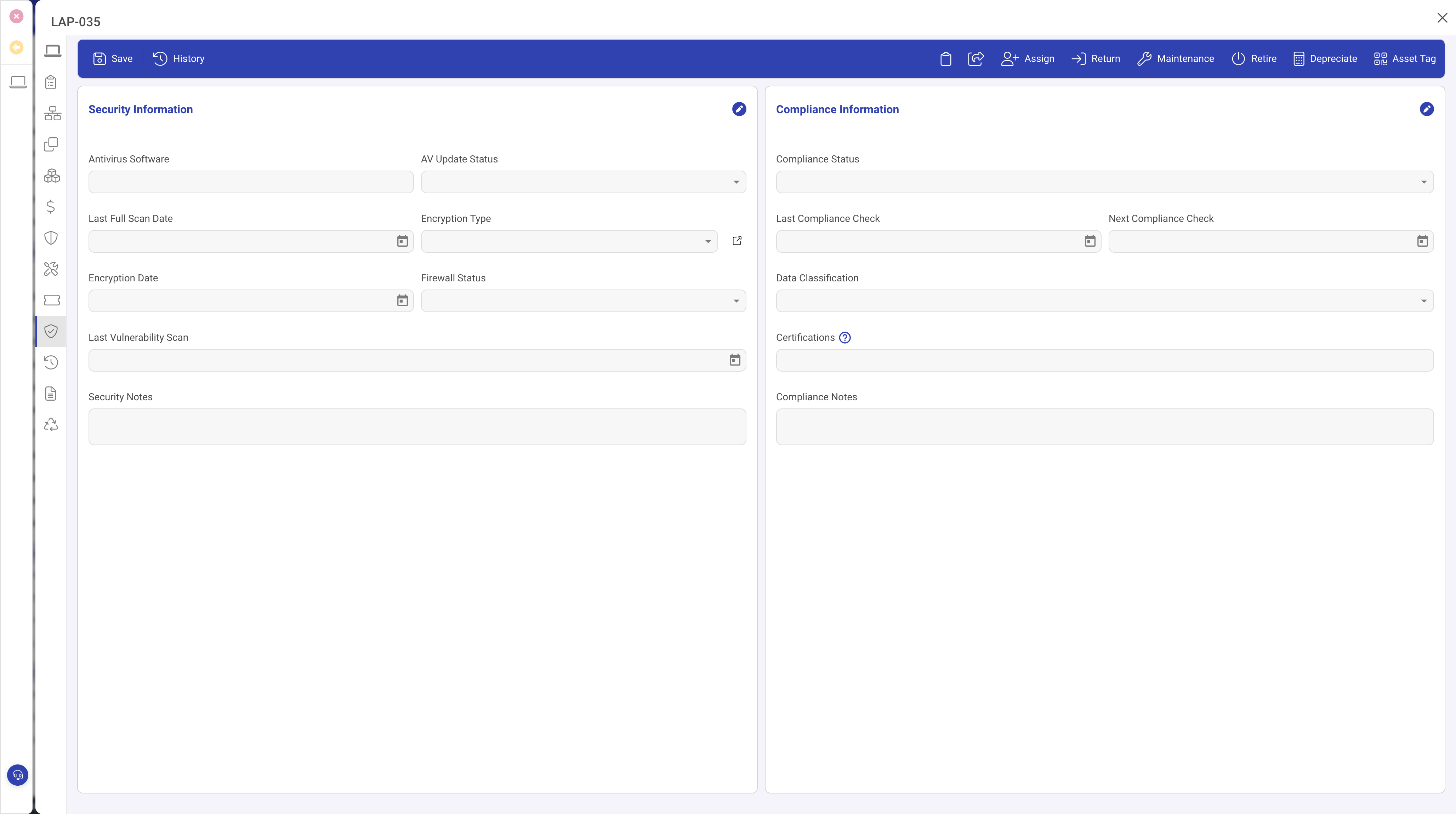
Security fields
- Antivirus Installed, Antivirus Product, Antivirus Last Updated: endpoint protection state.
- Encryption Enabled and Encryption Type: links to the encryption type lookup (category, algorithm, key length).
- Firewall Enabled and Firewall Product: host firewall state.
Vulnerability scanning
- Vulnerability Scan Enabled: confirms inclusion in your scanning programme.
- Last Vulnerability Scan: when the most recent scan completed.
- Vulnerability Count and Critical Vulnerability Count: findings from the latest scan.
Compliance
- Compliance Status: Compliant, Non-compliant, Pending Review, or Exempt.
- Last Compliance Check and Next Compliance Check: the audit cycle. When the next check date passes without being updated, the asset is flagged as overdue.
- Compliance Notes: free-text for observations, exemption justifications, or remediation plans.
Automation
The Compliance check overdue rule monitors the next compliance check date and flags the asset when it passes.
Tips
- Set the next compliance check date after each review so the automation tracks the next one.
- Filter the grid by compliance status to find non-compliant assets quickly.
- Keep encryption type records up to date as your standards evolve.