The licence register (ITAM > Licenses) tracks your legal entitlements to use software products.
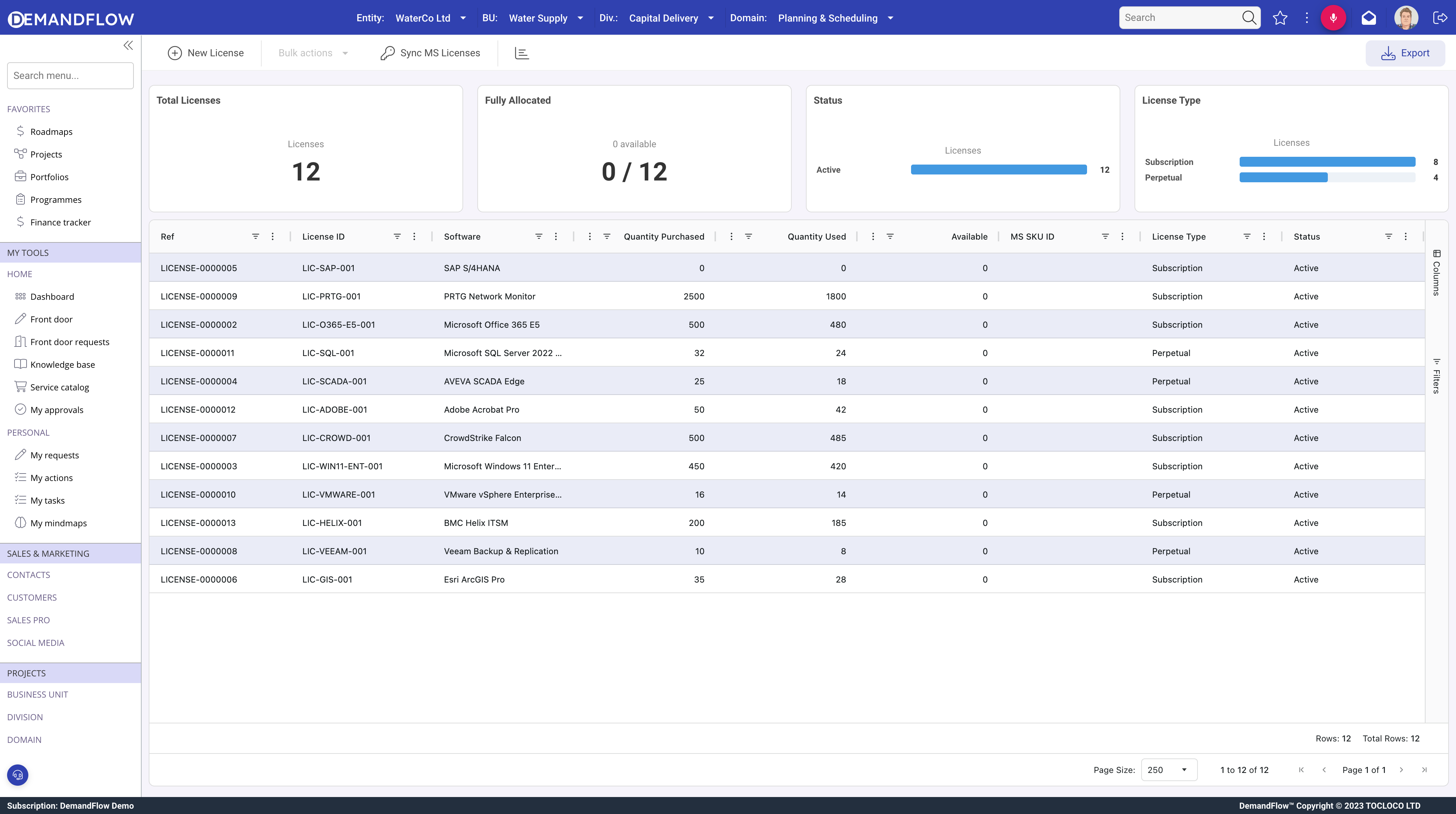
General panel
- Software (required): linked to the software catalogue.
- Licence Key: the activation or product key.
- Quantity: number of licences purchased.
- Used Quantity (read-only): how many are currently allocated or installed.
- Available Quantity (read-only): remaining capacity.
- Unlimited: for enterprise or site licences.
Licence details
- Licence Type: Perpetual, Subscription, Term, Trial, NFR, Educational, OEM, or Volume License.
- Scope: Enterprise, Site, Department, Project, or Individual.
- Compliance Status: Compliant, Over-deployed, Under-utilized, or Review Required.
Purchase panel
Vendor, purchase order, dates, costs, currency, pricing model (One-time, Annual, Monthly, etc.), annual cost, and unit cost.
Validity panel
- Start Date and Expiry Date.
- Perpetual: flag for licences with no expiry.
- Auto-renew and renewal notification lead time.
- Maintenance and support inclusion.
Assignment panel
Allocation rules (user-based, device-based, concurrent, floating, site), reassignment controls, and restrictions (geographic, usage, transferability, virtualisation rights).
Related lists
- User Allocations: staff licence records linked to this licence.
- Installations: software installations consuming this licence.
Compliance
Compare quantity purchased against used quantity. Over-deployed means more installations than licences. The dashboard software compliance grid aggregates this across all products.
Tips
- Set compliance status to Review Required when uncertain.
- Use expiry date and auto-renew to manage renewals.
- Link every installation to its licence so the compliance picture is complete.