Software installation records (ITAM > Software installations) are the three-way junction answering: what software is installed where, and which licence covers it?
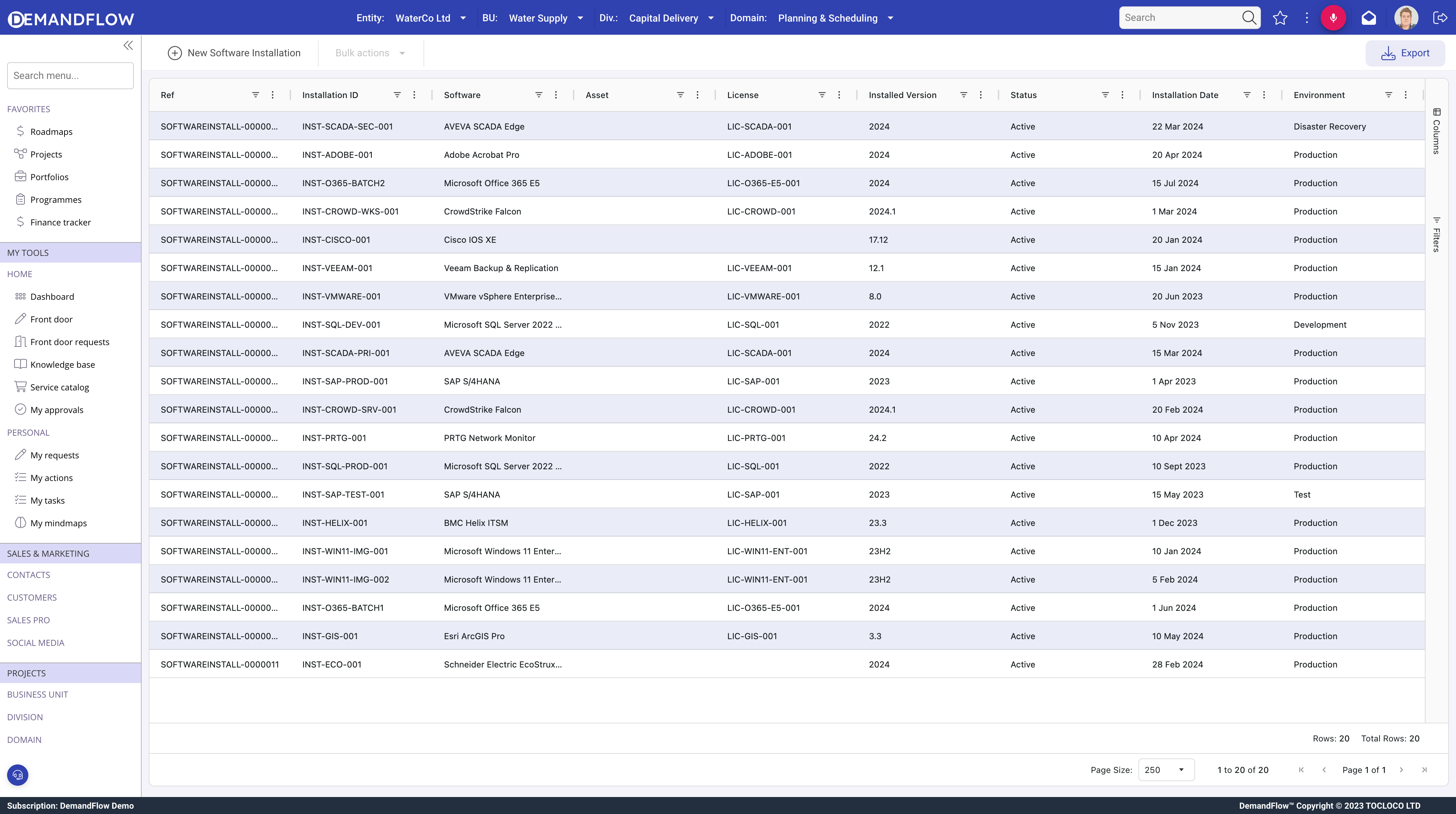
General panel
- Software (required): the product catalogue entry.
- Asset (required): the machine it is installed on.
- License: the entitlement covering this installation.
- Installed Version, Status (Active, Inactive, Uninstalled, Failed, Pending, Unknown).
- Install Date, Installed By, Install Method (Manual, Automated, Image, Package Manager, Container, Cloud Service).
Configuration panel
Edition, SKU, language, architecture, installed components, environment (Production, Development, Test, Staging, Training, DR), virtualisation and containerisation flags.
Usage panel
- Last Used and Last Seen: recent activity timestamps.
- Usage Frequency: Daily, Weekly, Monthly, Rarely, or Never.
- Primary User and Active User Count.
- Resource Consumption: CPU, memory, and disk usage.
Where installation records appear
- Software catalogue: all deployments of that product.
- Asset record: all software on that machine.
- Licence record: all installations consuming that entitlement.
Tips
- Always link to a licence so compliance tracking works.
- Use usage fields to identify shelfware (installed but never used).
- Watch for version drift (installed version differs from catalogue version).
- Record the environment accurately, as test and production may have different licence terms.