IT Asset Disposition (ITAD) manages the secure, compliant disposal of assets at end of life. Navigate to ITAD in the sidebar under IT.
When to create an order
- Hardware refresh cycle (replacing a batch of laptops or desktops).
- Office closure (disposing of all equipment from a site).
- Data centre decommission.
- Ad-hoc end-of-life disposal.
- Lease returns.
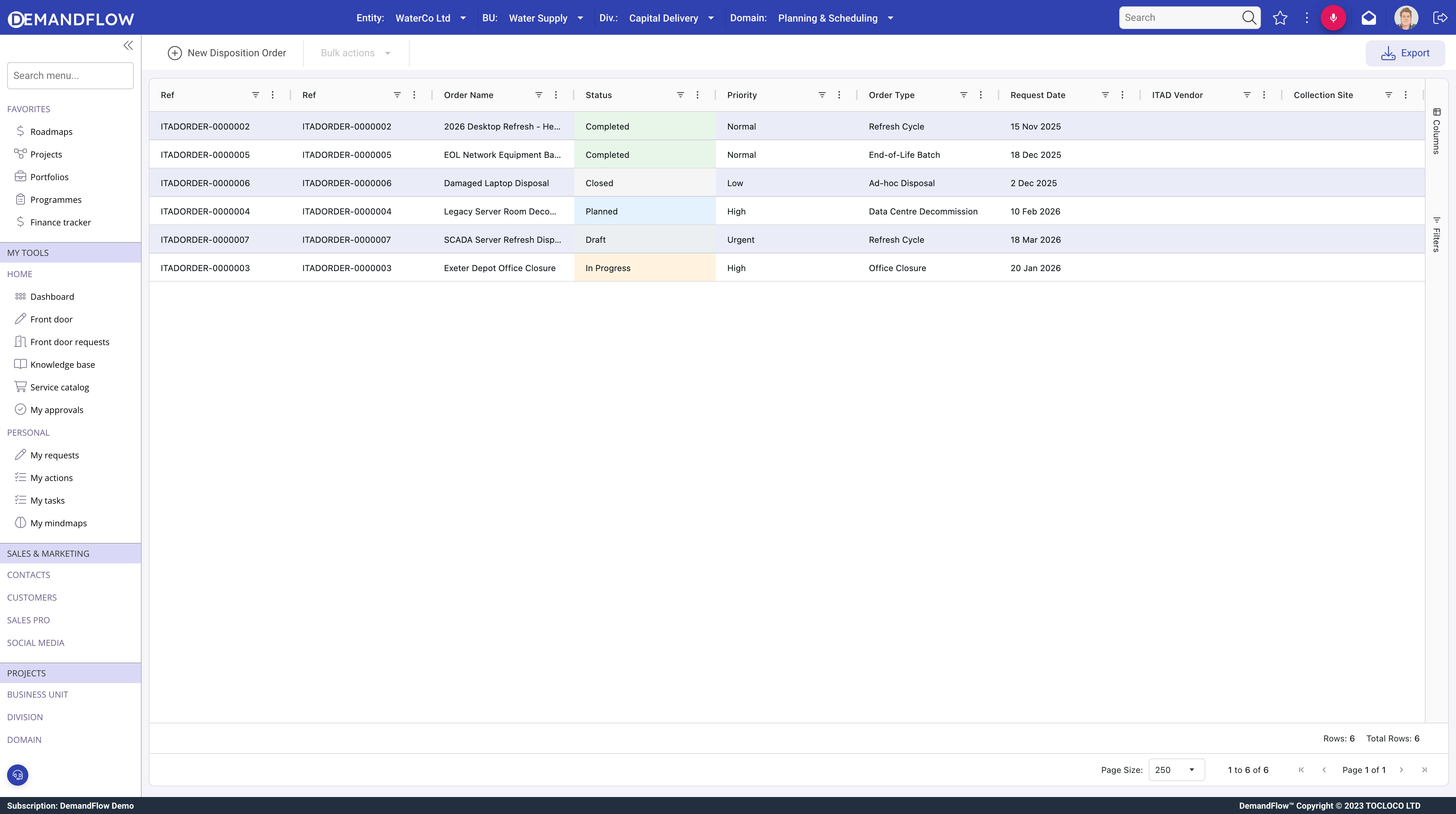
Creating the order
- Name and Description: describe the batch.
- Type: Hardware Refresh, Office Closure, Data Centre Decommission, Ad-hoc, or Lease Return.
- Priority and Requested By.
- Status workflow: Draft > Planned > In Progress > Completed > Closed.
Vendor and Site
- Vendor: the ITAD processor handling the disposal.
- Site: the collection location.
- Order Manager: the person responsible.
Financial summary
- Estimated Cost and Estimated Recovery: budgeting figures.
- Actual Cost and Actual Recovery: recorded as processing completes.
- Net Cost (read-only): calculated from actuals.
- Landfill Diverted (kg) and CO2 Avoided (kg): environmental impact metrics.
Adding assets
Use the Add Asset toolbar action to add IT Asset records to the order as line items. Each asset becomes a separate disposition line with its own triage, processing, and wipe tracking.
Related lists
- Assets: the disposition line items.
- Shipments: collection and logistics records.
- Certificates: compliance certificates for the order.
Completing the order
The Complete Order toolbar action finalises the order once all assets are processed.