Overview
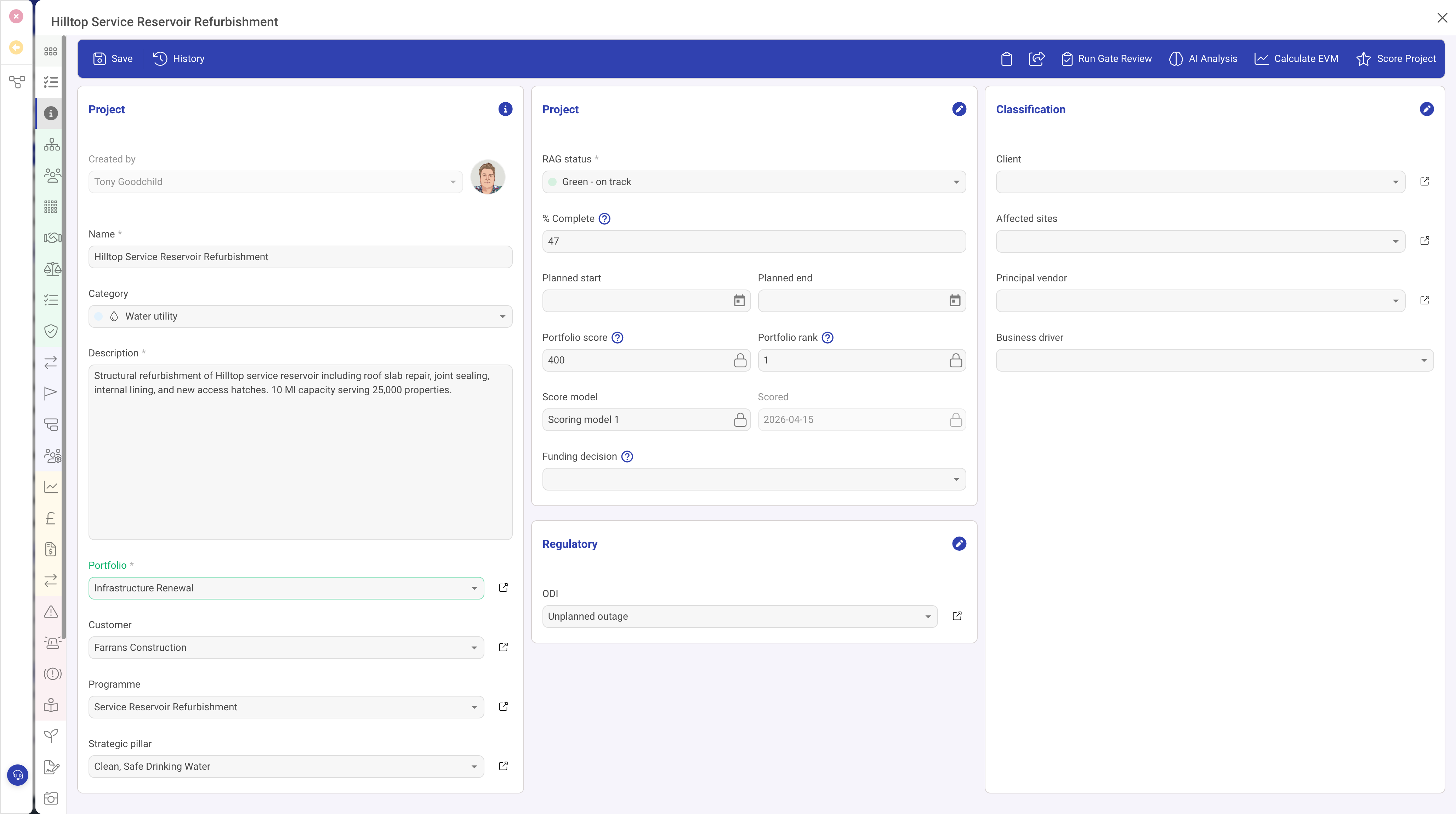
The Number field type (number) provides a numeric input field for capturing integer or decimal values. It supports optional formatting as currency or percentage, configurable minimum and maximum bounds, and can even be used as a computed field with formulas.
Properties
| Property | Required | Description |
|---|---|---|
| ID | Yes | The field identifier. |
| Type | Yes | Must be set to number |
| Name | Yes | The display label shown to the user. |
| Width | No | The percentage width within the form section. |
| Currency | No | When true, the value is formatted with a currency symbol and appropriate decimal places. |
| Currency Symbol | No | A custom currency symbol to use (e.g. "$", "EUR"). When not specified, a default symbol is used. |
| Percent | No | When true, the value is displayed with a percentage symbol and formatted accordingly. |
| Min | No | The minimum allowed value. Users cannot enter a value below this. |
| Max | No | The maximum allowed value. Users cannot enter a value above this. |
| Required | No | When true, a value must be provided. |
| Read Only | No | When true, the value is displayed but cannot be edited. |
| Formula | No | An expression that computes this field's value from other fields on the record. When a formula is set, the field is automatically read-only as its value is calculated. |
| Help | No | Tooltip text for the field label. |
| Grid | No | When true, appears as a column in list views. |
| Visibility | No | A condition controlling when this field is visible. |
Formatting Options
Currency
Enable the Currency property to format the number as a monetary value. The value will be displayed with the appropriate currency symbol, thousand separators, and decimal places. Use the Currency Symbol property to specify which currency to display.
Percentage
Enable the Percent property to format the number as a percentage. The value will be displayed with a % symbol.
Plain Number
When neither Currency nor Percent is enabled, the number is displayed as a plain numeric value, suitable for quantities, counts, scores, or other general numeric data.
Formulas
The Formula property allows you to create computed fields that automatically calculate their value based on other fields. For example, a "Total Cost" field could use a formula that multiplies a "Quantity" field by a "Unit Price" field. Formula fields are automatically read-only since their value is computed.
Use Cases
- Financial values — budgets, costs, revenues, prices (with Currency formatting)
- Percentages — completion rates, risk scores, utilisation rates
- Quantities — item counts, resource numbers, headcount
- Scores — ratings, priority scores, assessment values
- Computed totals — calculated from other fields using formulas